 Decks
DecksiPhone
Follow the workflow below on your iPhone. Use the Mac notes for desktop-specific controls.
iPad
The same workflow applies on iPad. Editing controls may appear beside the canvas in a wide window instead of below it.
Decks reads supported Fujifilm MakerNotes from original JPEGs. If those notes remain in the file, the Camera tool can show its recorded film simulation and available recipe settings. Edited or converted copies may no longer contain that information; RAF, HEIC, and PNG files are not read by the Fujifilm JPEG decoder.
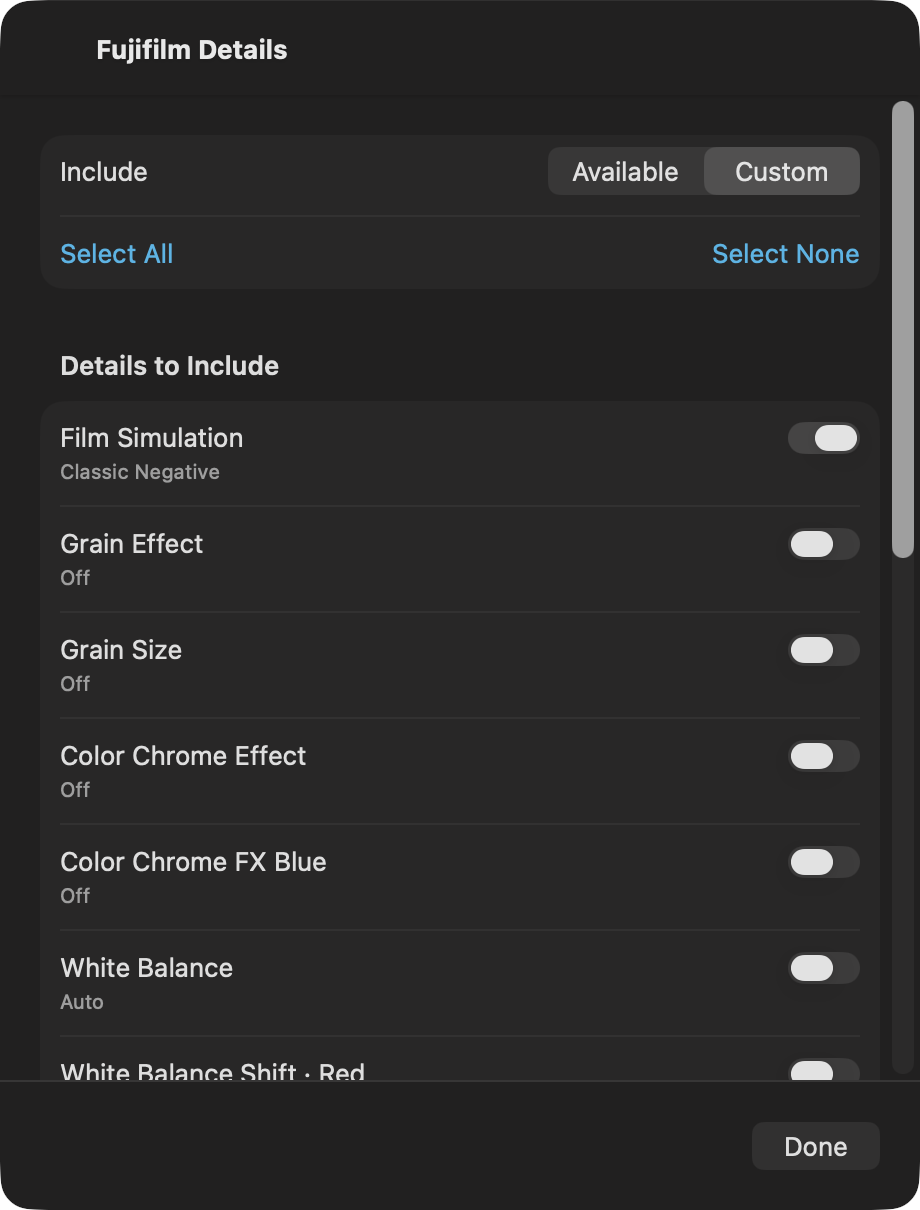
Open Fujifilm Details to choose the fields included on your photograph or in a caption. Use Edit Photo Details to supply or override values, and save your own recipes and presentation presets for reuse. A recipe name is something you enter or apply from a saved recipe; Decks does not infer a named recipe from EXIF.
These features display information. They do not apply film-simulation processing to your photograph. Missing settings remain absent until you provide them.
Mac
Manage saved recipes in Decks → Settings → Recipes. Select a photo and use Camera controls to choose the information displayed. This presents metadata; it does not apply a film-simulation effect.